Grid Generator
Custom grids for any project
Art Grid Maker is the free browser-based grid drawing suite for artists, teachers, and muralists. Add a customizable drawing grid to any reference image, generate printable grid paper, scale artwork to canvas or wall, and create paint-by-number templates — all without uploading a single photo.
Alongside the core grid-making workspace, explore specialized calculators, perspective guides, an on-screen tracing view, and printable studio sheets.
Custom grids for any project
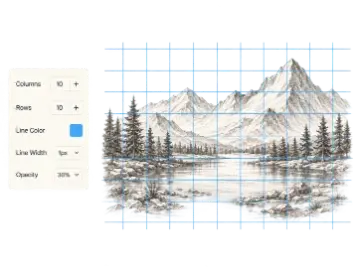
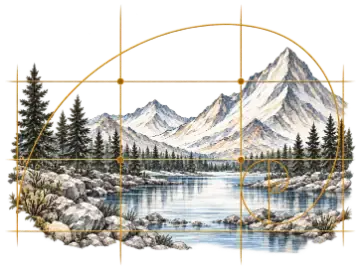
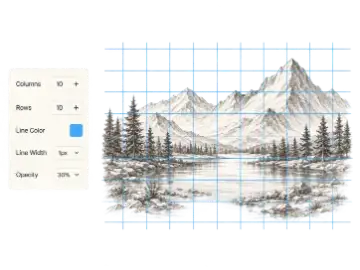
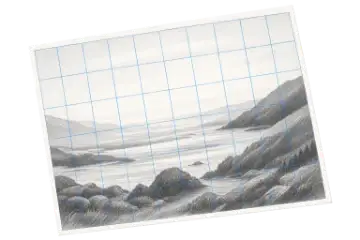
Transparent grid over reference images
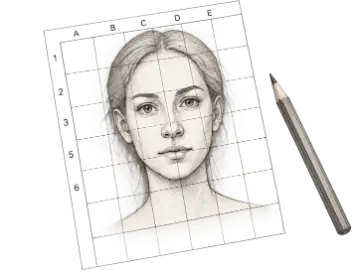
Perfect proportions for artists
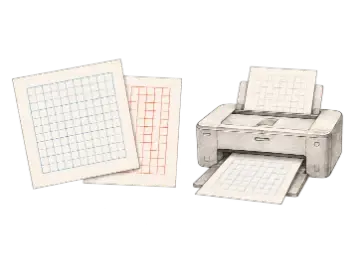
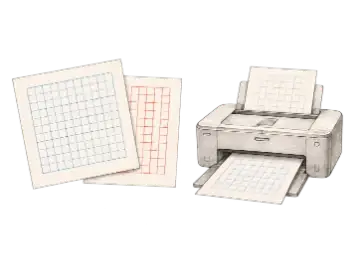
Download & print custom grids
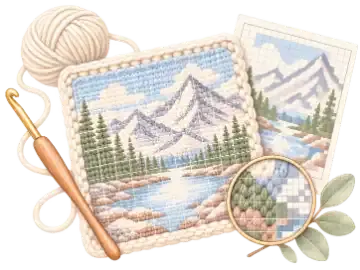
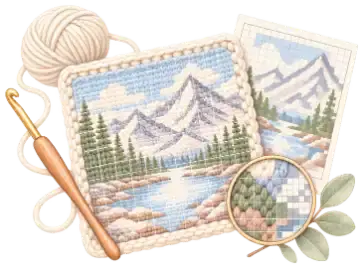
Design graphgan and C2C color charts
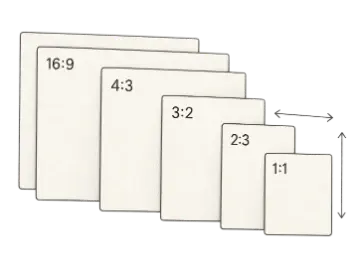
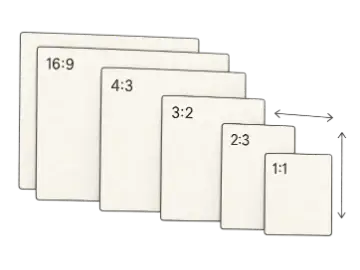
Calculate canvas aspect ratios
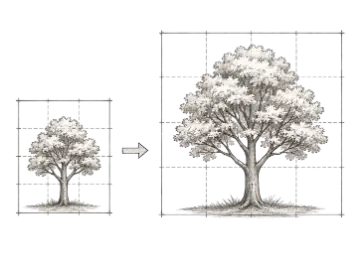
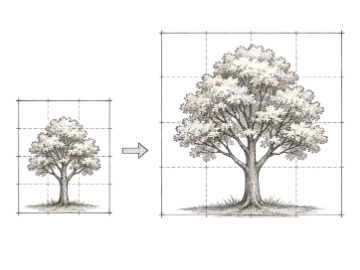
Scale drawings up or down
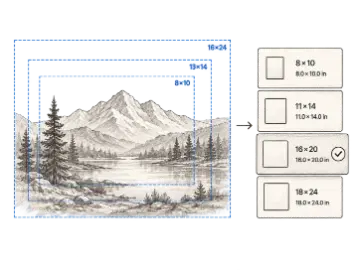
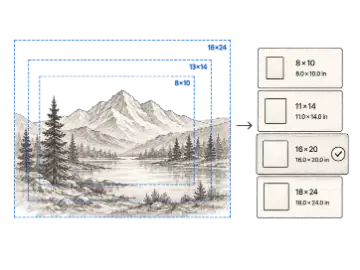
Match references to standard canvases
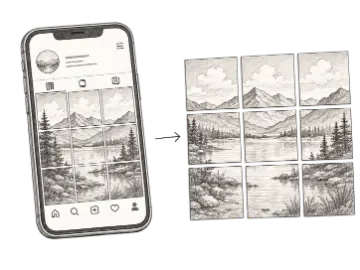
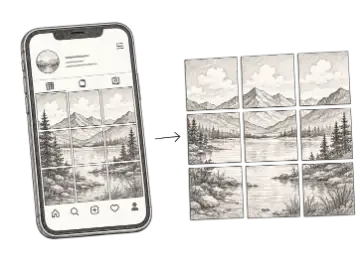
Split photos for the new 3:4 Instagram grid
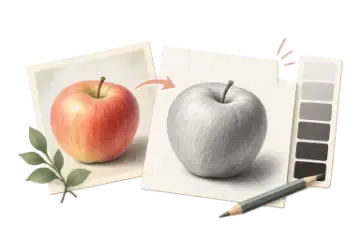
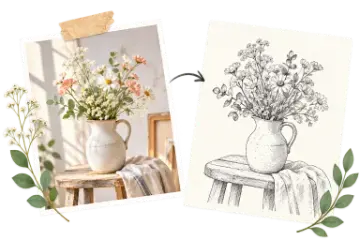
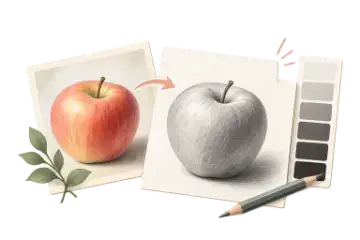
See light and shadow before you draw
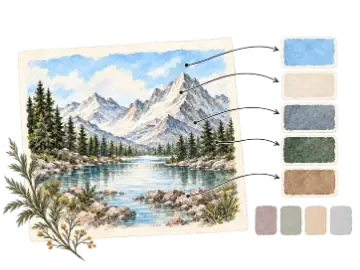
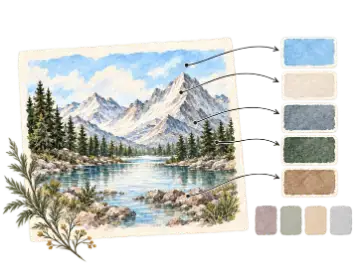
Find the colors worth keeping
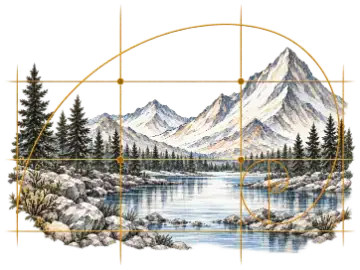
Test structure before you commit
Find the edges worth drawing
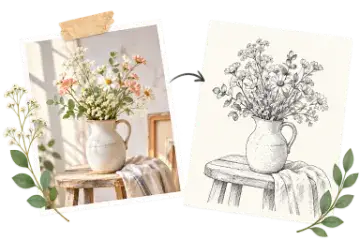
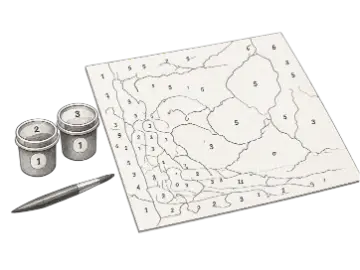
Turn a photo into a numbered template
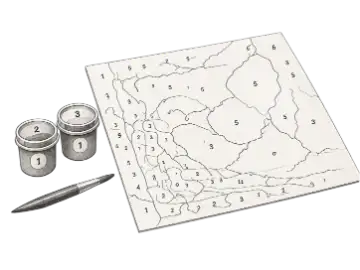
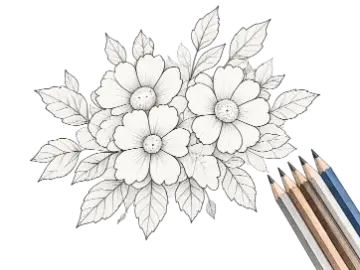
Turn a photo into a printable coloring page
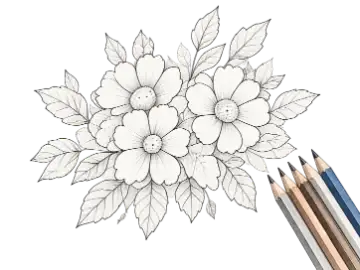
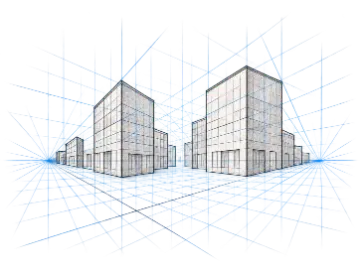
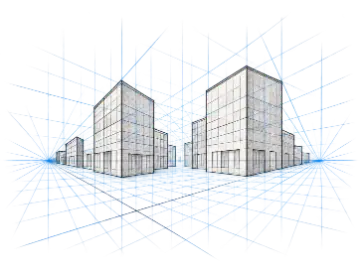
1, 2 & 3-point perspective grids
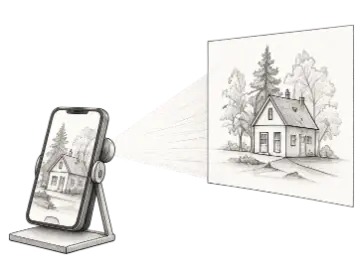
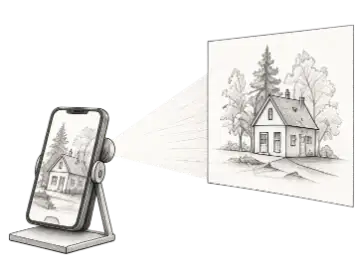
Trace references on your screen
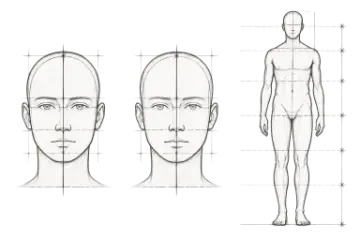
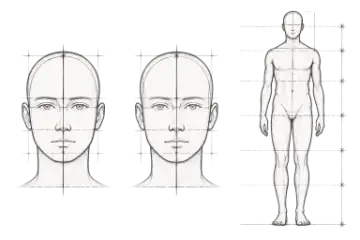
Head & figure proportion guides
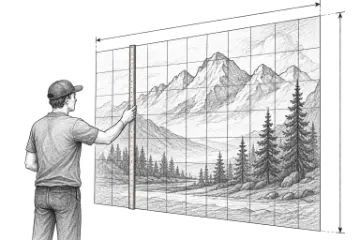
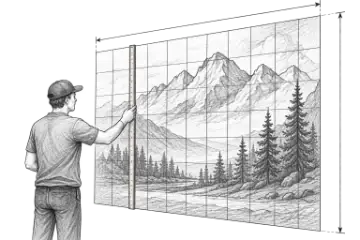
Scale art to any wall
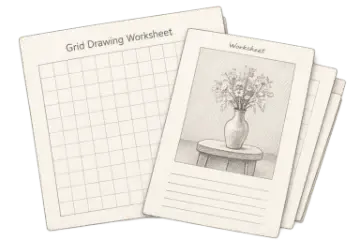
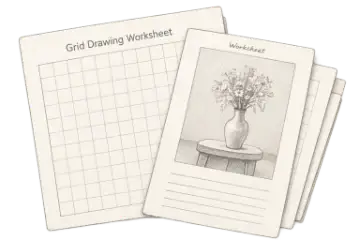
Printable grid drawing worksheets
Use the interactive grid maker directly in your browser. Choose your reference photo, adjust the cell dimensions to match your drawing surface, and export your guide.
Drag in a JPG, PNG, WEBP, or GIF from your device. The photo opens directly in your browser with zero remote uploads.
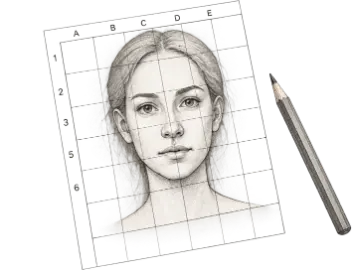
Choose rows and columns, adjust line color, width, and opacity. Add diagonal guides or coordinate labels (A1, B1) to help transfer proportions without distortion.
Export a standard PNG or JPG for free, or upgrade when Pro adds print-ready PDF files for physical printing.
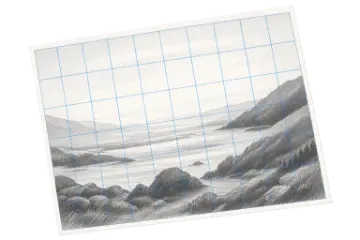
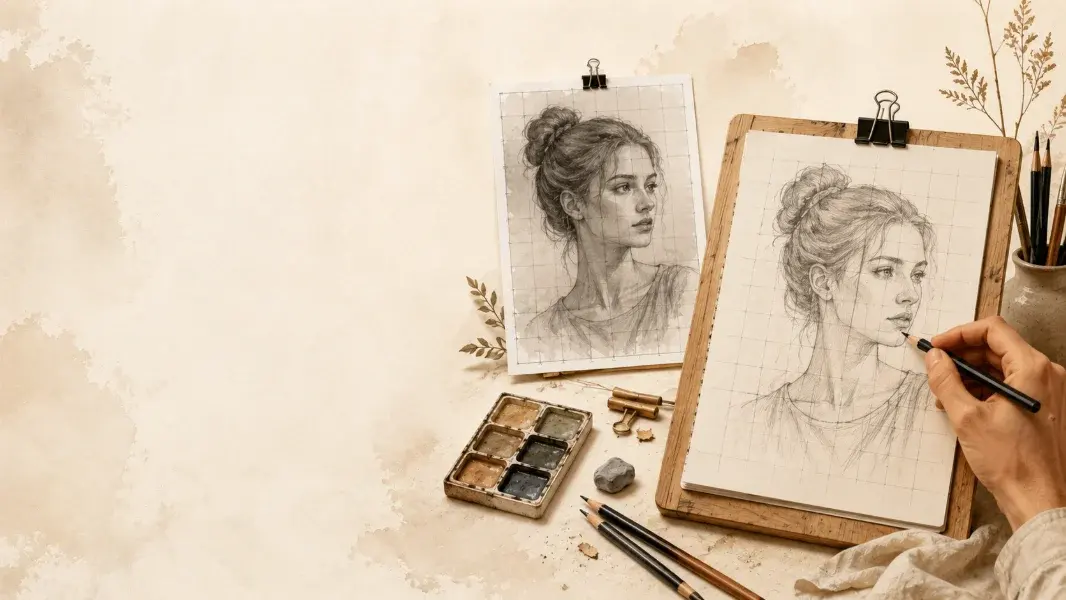
The grid method is a classical drawing technique used by artists, educators, and muralists to break complex references into manageable sections. Instead of estimating overall placement by eye, a grid helps you verify angles, negative space, and proportions cell by cell.
When drawing intricate portraits or landscapes, foreshortening and visual bias can lead to distortion. A grid overlays repeatable square divisions across your image, allowing you to focus on the lines and shapes within one square at a time. If you want a quick guide over an existing photo, launch our Grid Overlay tool, or use the dedicated Drawing Grid Tool for numbered coordinates.
Enlarging a drawing onto canvas, watercolor paper, or a wall requires matching aspect ratios. If your reference and target canvas don't share the same width-to-height ratio, lines will stretch. Calculate exact dimensions beforehand with the Proportion Calculator and Canvas Size Calculator. For large architectural projects, use the Mural Scaling Calculator to compute snap-line coordinates.
Your photos and proprietary reference artwork are processed entirely within your web browser using HTML5 Canvas technology. No files are uploaded to our servers, ensuring complete privacy for private references, unreleased artwork, and classroom student photos.
A grid maker places adjustable rows and columns over a reference photo. You can match the same cell layout on paper, canvas, or a wall, then transfer the subject one section at a time while keeping its proportions intact.
Yes. You can add a grid to a reference photo, customize rows, columns, colors, and line weights, and export a standard-resolution PNG or JPG without an account or payment. Higher-resolution, transparent, and print-ready formats are Pro features where offered.
No. A grid is a measuring aid, much like a ruler or viewfinder. It helps you compare angles, spacing, and proportion while you draw. Many artists use it for practice, complex references, commissions, and large-scale transfers.
No. Images selected in browser tools are processed locally using browser APIs and HTML Canvas. Art Grid Maker does not upload those files to its servers. Your photos and reference materials never leave your device.
In addition to standard grid overlays, our suite includes printable graph paper generators, canvas aspect ratio and proportion calculators, mural scaling estimators, 1/2/3-point perspective grid generators, an on-screen art projector for tracing, and classroom worksheet makers. Visit our All Tools directory to explore them.
Need high-resolution 4K or transparent exports? Pro starts at $8/month with a 14-day free trial.