Tracing lightbox
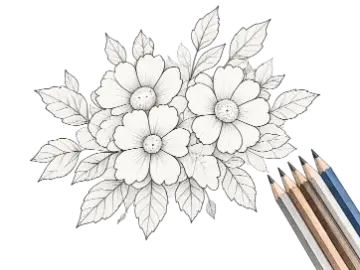
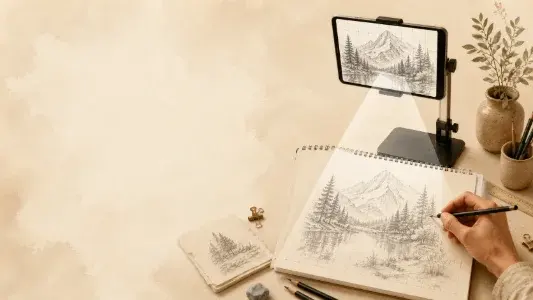
Use a bright screen beneath suitable paper for line transfer.
Use the Art Projector Screen on an iPad, tablet, or monitor as a fullscreen tracing lightbox and reference view. Load an image, adjust the grid, and prepare it for on-screen tracing or a separate projector setup.
The Art Projector Screen & Tracing Lightbox turns a tablet or monitor into a fullscreen reference surface for tracing and transfer. The free view includes image positioning and a grid; Pro adds mirroring, tonal filters, and a wake-lock request.
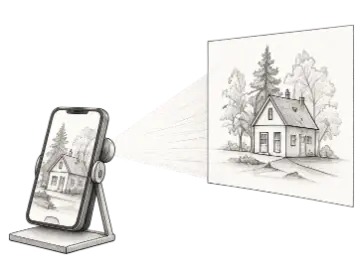
An art projector and tracing lightbox displays a reference at a controlled scale so major lines can be transferred to paper or studied against a bright screen. On a tablet or monitor, suitable translucent paper can be placed over the display for careful tracing. The same fullscreen reference can also support a physical projection setup or serve as a stable studio image while you work nearby. This browser tool is intended for drawing references, not for projecting light from a device that has no projector hardware.
Start with a sharp image and simplify what you see before tracing. Pro filters can remove color distractions, adjust contrast, invert the view, or mirror the source for a reverse transfer. The free grid helps position landmarks without tracing every line. Secure the device, use very light pressure, and choose paper and a drawing tool that will not damage the display.
Fullscreen mode removes surrounding interface so the reference occupies more of the screen. Pro can request Screen Wake Lock where the browser supports it, although power-saving settings or browser restrictions may still override the request. The selected photo and filter operations stay in the browser. Keep the device connected to power for long sessions and only trace imagery you created or have permission to use.
This page can prepare and display a reference, but fullscreen and screen-awake behavior still depend on the browser, operating system, and device settings.
Reviewed 2026-08-31
Test the exact device-browser combination before a long tracing session. Never press hard on a display, and follow the device manufacturer's guidance for surface contact and continuous screen use.
Expand the reference into a distraction-free view for tracing or side-by-side observation.
Request that supported browsers keep the display awake during longer studio sessions.
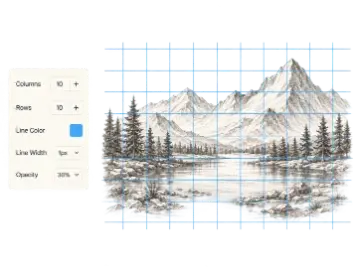
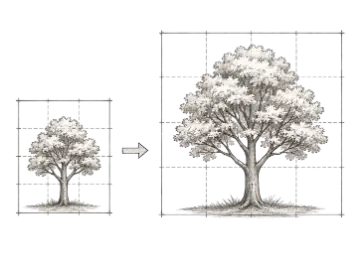
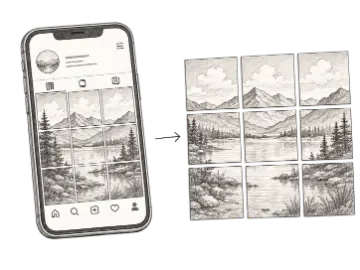
Add adjustable lines when you need proportional landmarks rather than a full trace.
Mirror the reference for transfer techniques, lettering checks, and compositional comparison.
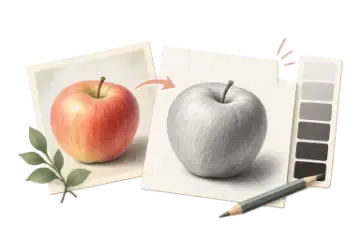
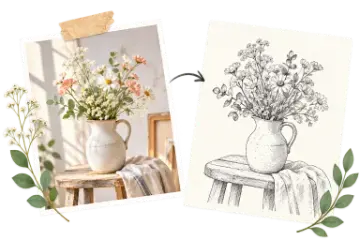
Use grayscale, inversion, brightness, and contrast to make important edges easier to read.
Prepare the art-projector reference on your device instead of uploading it to a remote processor.
Use only the adjustments that make the structure clearer; an extreme filter can remove subtle but important edges.
| Option | Best for | Notes |
|---|---|---|
| Grayscale | Value study | Removes hue so light, middle, and dark relationships are easier to compare. |
| High contrast | Contour transfer | Separates strong boundaries but may hide soft transitions. |
| Mirror | Reverse process | Useful when rubbing, printing, or transfer steps reverse the final orientation. |
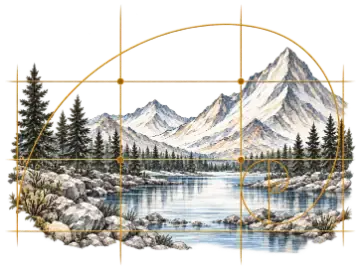
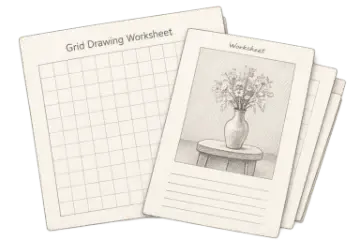
| Grid overlay | Measured placement | Adds landmarks when direct tracing is impractical or undesirable. |
Choose an image and position the device securely beneath tracing paper or in the intended projection setup.
Add the free grid where useful; Pro users can also mirror the image and adjust its tonal filters.
Use fullscreen, and optionally enable the Pro wake-lock request where supported, then avoid moving the device during transfer.
Use a bright screen beneath suitable paper for line transfer.
Mirror lettering or designs that need to face correctly after rubbing or printing.
Use grayscale and contrast controls to simplify tonal relationships before painting.
Add a customizable grid overlay to any reference image for drawing, proportion checks, and composition planning. Adjust the image and grid, then export the finished reference.
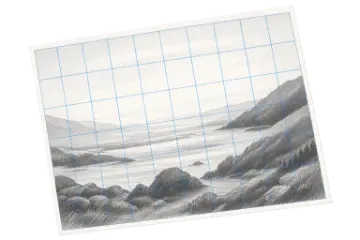
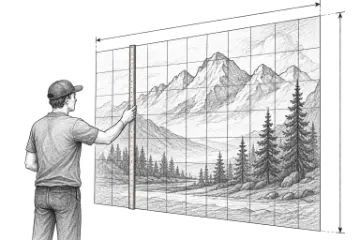
Create an adjustable drawing grid over any reference image for the grid method. Match the rows and columns on your paper or canvas, then transfer proportions one cell at a time.
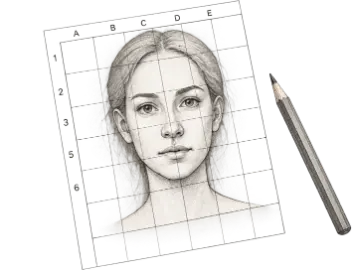
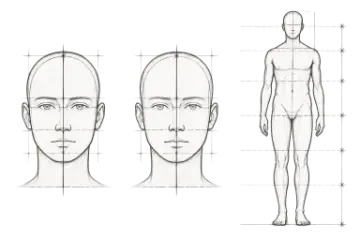
Create adjustable portrait and figure proportion guides for faces, full figures, and Loomis head construction. Add a reference photo and align the guides for drawing practice.
Upload photo to trace. When you need the paid workflow, unlock pro tracing filters and mirror mode.