Free Grid Generator
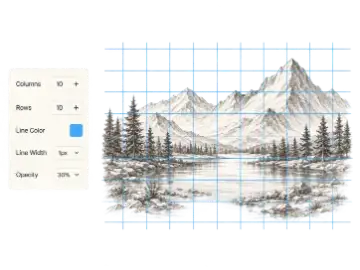
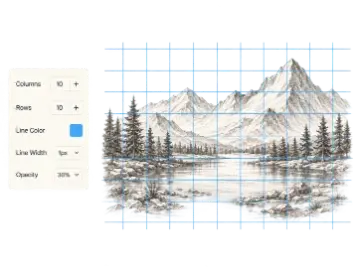
Create a custom grid with adjustable rows, columns, labels, line color, width, and opacity. Preview it instantly, then download it for drawing, layout, or print.
A comprehensive suite of browser-based utilities for painters, illustrators, muralists, and art educators. Fast, private, and precise.
Classic grid method tools for transferring reference photos accurately to canvas or paper.
Create a custom grid with adjustable rows, columns, labels, line color, width, and opacity. Preview it instantly, then download it for drawing, layout, or print.
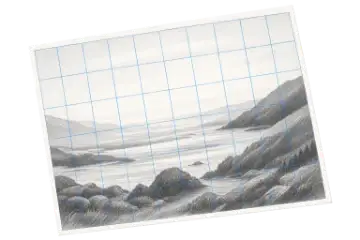
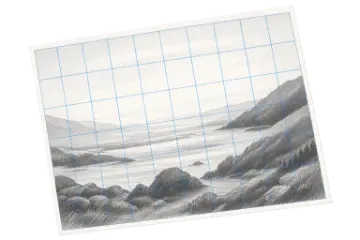
Add a customizable grid overlay to any reference image for drawing, proportion checks, and composition planning. Adjust the image and grid, then export the finished reference.
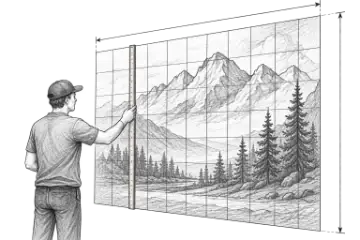
Create an adjustable drawing grid over any reference image for the grid method. Match the rows and columns on your paper or canvas, then transfer proportions one cell at a time.
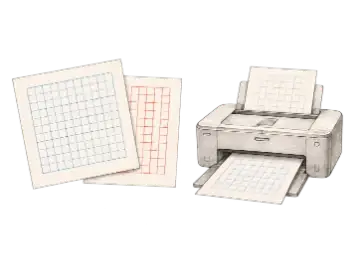
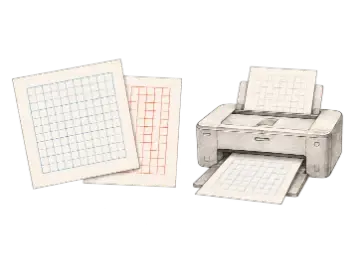
Generate printable grid paper for drawing, planning, and measured layouts. Choose the paper size, orientation, grid type, and spacing, then export a print-ready PDF or image.
Mathematical precision tools for scaling reference images without distortion or cropping errors.
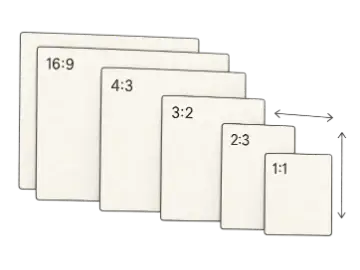
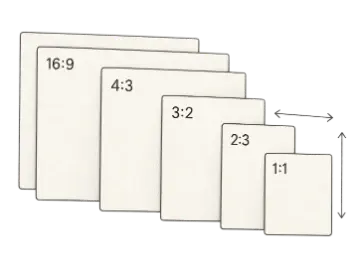
Calculate and simplify any aspect ratio, then resize width or height without stretching. Compare common formats for images, video, artwork, print, and canvas planning.
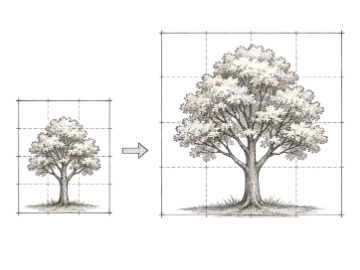
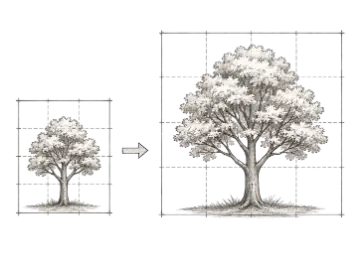
Use this proportion calculator to scale a drawing from a reference to a canvas, paper, or wall without distortion. Compare scale factors and matching grid-cell measurements.
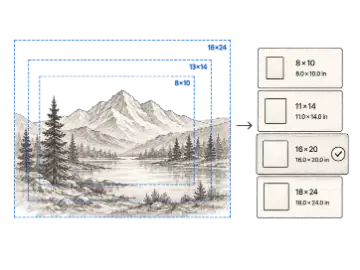
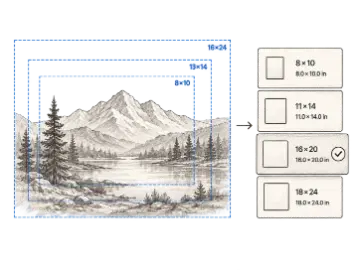
Upload a reference or enter its dimensions to find the best standard canvas size. Compare imperial and metric options, then preview the actual edges removed by a centered crop.
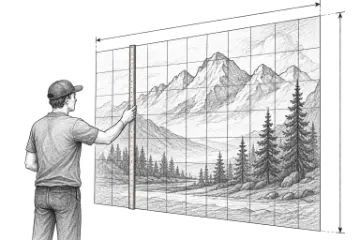
Use the free mural scaling calculator to find enlargement ratios and proportional grid-cell measurements. Pro adds chalk-line coordinates, paint estimates, and a printable field plan.
Advanced drawing utilities: perspective guides, on-screen art projector, paint by numbers, and worksheets.
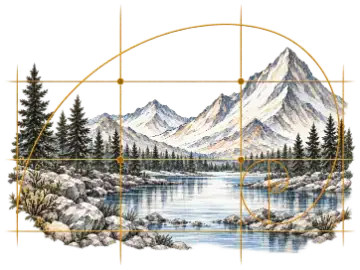
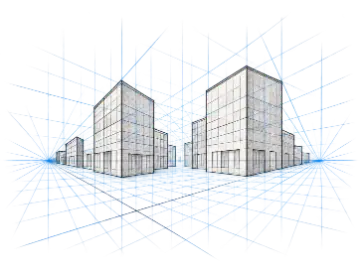
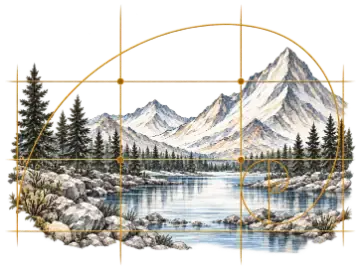
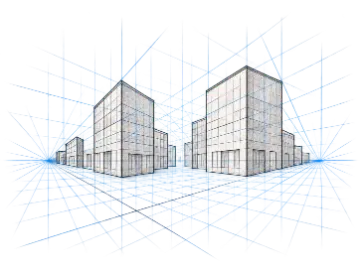
Create adjustable 1-point, 2-point, or 3-point perspective grids with draggable vanishing points and horizon controls for rooms, buildings, objects, and concept art.
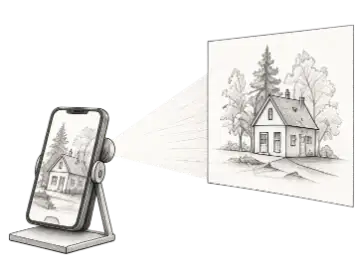
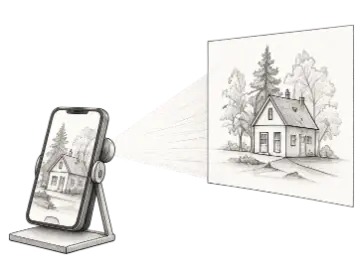
Use the Art Projector Screen on an iPad, tablet, or monitor as a fullscreen tracing lightbox and reference view. Load an image, adjust the grid, and prepare it for on-screen tracing or a separate projector setup.
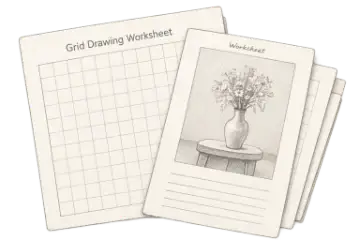
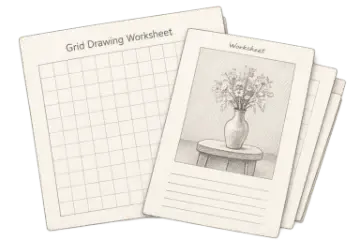
Create printable grid drawing worksheets with a gridded reference, matching blank grid, cell labels, and student fields for classroom or home art practice.
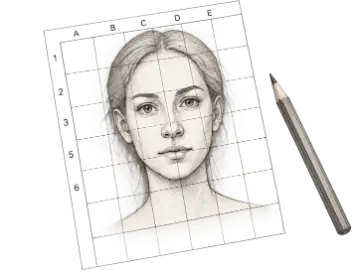
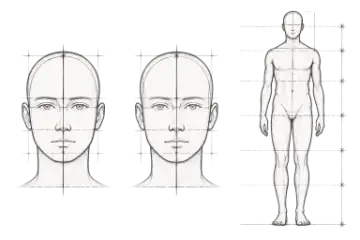
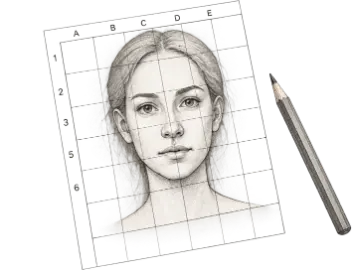
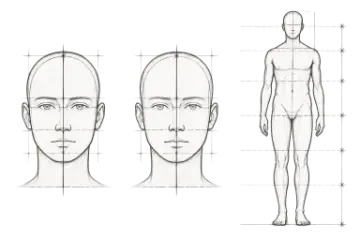
Create adjustable portrait and figure proportion guides for faces, full figures, and Loomis head construction. Add a reference photo and align the guides for drawing practice.
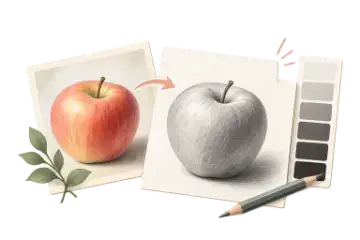
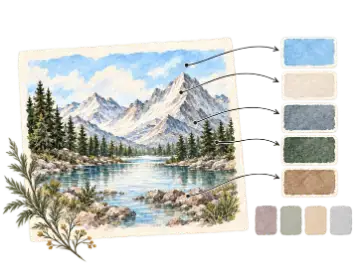
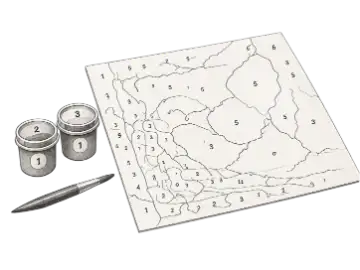
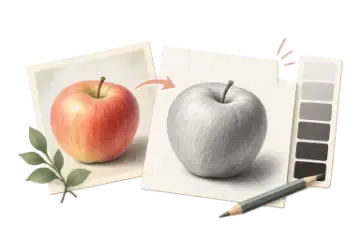
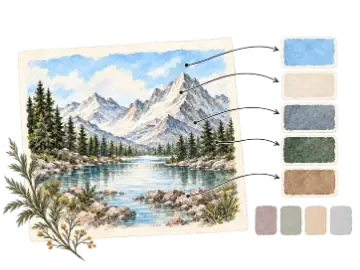
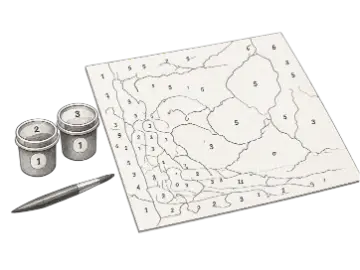
Turn a photo into a paint-by-number template with simplified color regions, numbered outlines, and a matching palette. Adjust color count, smoothing, and palette before export.
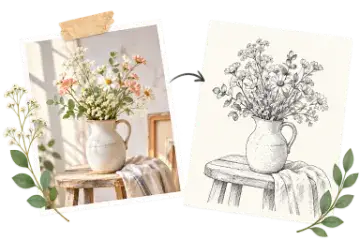
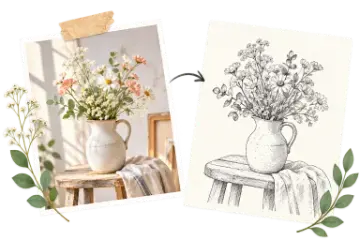
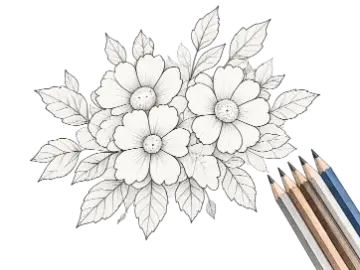
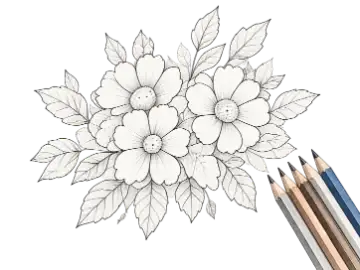
Turn a photo into a printable coloring page with adjustable line detail, smoothing, and thickness. Compare the original and line art, then download the finished page.
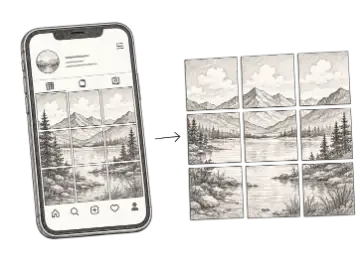
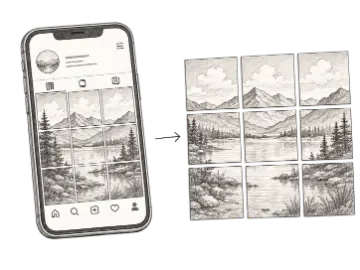
Cut large artworks into multi-tile banner grids for Instagram profiles.
Upgrade to Art Grid Maker Pro to unlock unlimited saved presets, print-ready classroom PDF worksheets, and multi-scale exports across all 15 tools.
Common questions about the Art Grid Maker tool collection