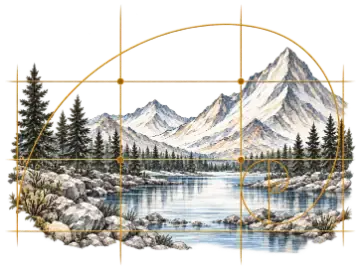

Bold graphgan motif
30–50 stitches wide · 3–4 colors · vertical symmetry when appropriate
Produces readable silhouettes and relatively long color runs for row-based work.
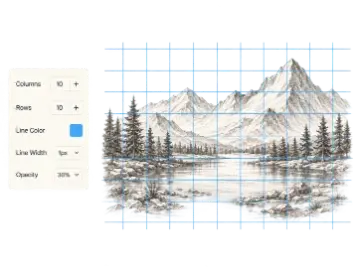
Use this crochet grid maker and crochet chart maker to design from scratch or convert a photo into a graph. Paint stitches, reduce yarn colors, count colors, and export a numbered chart.
The Crochet Grid Maker is a crochet graph maker that turns a blank chart or reference image into an editable color pattern. Draw stitches, inspect yarn-color counts, mirror motifs, and download a numbered chart while the source image and working draft stay on your device.
A crochet graph is more than pixel art: its rows, working direction, yarn changes, and physical gauge affect how the design is made. The editor stores one top-to-bottom Design Grid, then uses crochet-specific rules for row-based colorwork and C2C reading order. This keeps the picture predictable while allowing export and written instructions to describe the way the project is actually worked.
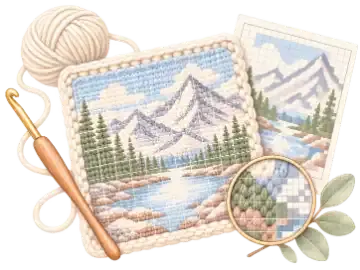
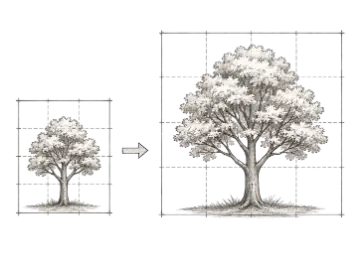
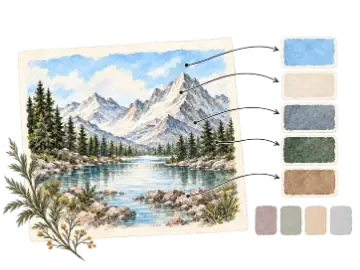
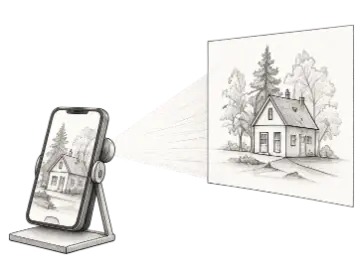
Begin with a blank grid when you are designing a motif cell by cell, or choose a JPG, PNG, or WebP reference and reduce it to a selected width and color count. Image processing happens locally. After conversion, use Paint, Erase, Fill, and the Eyedropper to remove distracting fragments, strengthen silhouettes, and make color areas practical for the intended project size.
The yarn palette reports the number and percentage of cells assigned to every color. Numbered guides become stronger at five- and ten-cell intervals, making larger charts easier to follow. The current draft autosaves in this browser, SVG and PNG provide portable charts, and the PDF Maker Pack can combine the summary, used-color legend, overlapping print pages, and compact written color runs.
Use these as first passes, then judge the chart at its expected physical size and simplify any color change that does not improve the motif.
30–50 stitches wide · 3–4 colors · vertical symmetry when appropriate
Produces readable silhouettes and relatively long color runs for row-based work.
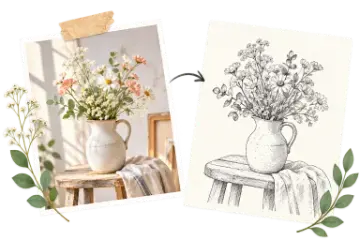
60–90 stitches wide · 5–8 colors · edit isolated cells after conversion
Balances recognition with a yarn palette and change count that remain practical.
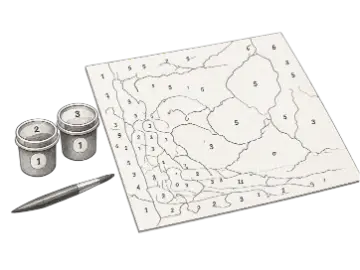
Square or near-square grid · 2–5 colors · four-way symmetry
Creates repeatable diagonal blocks with clear corners and strong mirrored structure.
Design graphgan and C2C color charts
Paint, erase, flood-fill, sample, select, zoom, and pan through an editable pixel crochet pattern.
Reduce a local JPG, PNG, or WebP to a chosen grid width and limited project palette.
See live cell totals and percentages for every color instead of guessing from the preview.
Reflect strokes vertically, horizontally, or four ways, and flip the complete chart in either direction.
Keep one visual Design Grid while row-based and C2C compilers determine the correct working sequence.
Download SVG or PNG charts, with PDF access for paged charts, legend, sizing, and written instructions.
Grid size and yarn-color count should match the finished dimensions and the amount of color changing you are willing to manage.
| Option | Best for | Notes |
|---|---|---|
| 20–40 cells wide | Simple motif | Useful for compact icons, small panels, and early colorwork tests. |
| 40–80 cells wide | Balanced graph | A practical range for many pillow fronts, bags, and recognizable blanket motifs. |
| 80+ cells wide | Detailed project | Retains more image detail but increases stitch count, print pages, and color-change workload. |
| 3–6 yarn colors | Manageable palette | Often enough for clear shapes while keeping bobbins and joins under control. |
Set the stitch width and row height for a blank design, or choose a target width before converting an image.
Draw with a limited yarn palette, inspect counts, and remove isolated changes that are not worth carrying or joining.
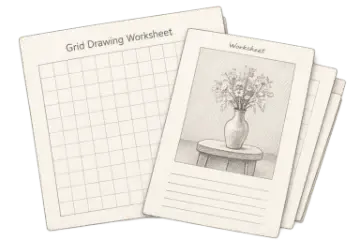
Review numbering and colors at the intended scale, then download the chart or printable Maker Pack.
Plan row-based color blocks and read exact stitch runs from a numbered graph.
Design the visible chart once and derive diagonal working order from the selected starting corner.
Develop compact motifs with repeatable shapes, symmetry, and a controlled yarn palette.
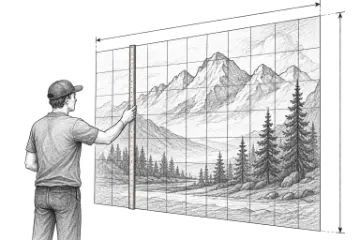
A crochet grid maker represents a colorwork design as rows and columns. For row-based graphgan work, each cell represents one stitch; for C2C work, each cell represents one block. The chart keeps the visual design separate from the order used to crochet it.
Yes. Choose a JPG, PNG, or WebP image, then set the target grid width and yarn color count. Conversion happens in your browser, where the image is resized, sampled, and reduced to a project palette.
No. Image decoding, palette reduction, chart editing, and standard exports run locally in your browser. Your image is not uploaded to Art Grid Maker for conversion.
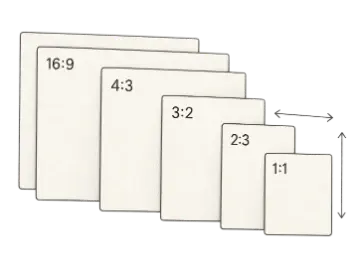
Crochet stitches and rows do not always have the same physical density. A gauge-aware chart can use the measured stitch-to-row ratio so shapes better reflect the proportions expected in the finished fabric.
Yes. Symmetry drawing can reflect each stroke vertically, horizontally, or in four directions. You can also flip the entire design left to right or top to bottom.
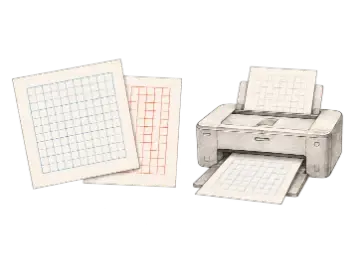
The editor provides SVG and PNG chart downloads. PDF Maker Pack access adds a printable summary, color legend, numbered chart pages with alignment overlap, and written color-run instructions.
The current draft is saved in local browser storage on the device you are using. It does not sync across devices or accounts, so export a chart or Maker Pack before clearing browser data.
Start a crochet chart. When you need the paid workflow, unlock the printable pdf maker pack. Pro starts at $8/month with a 14-day free trial.