
Ages 7–9 / first lesson
3×3 or 4×4 · simple high-contrast object
Copy only the outer contour first, then add one or two large internal shapes.
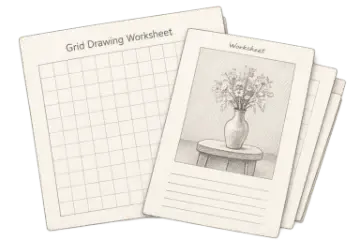
Create printable grid drawing worksheets with a gridded reference, matching blank grid, cell labels, and student fields for classroom or home art practice.
The Grid Drawing Worksheet Maker creates a classroom-ready page with a gridded reference beside a matching blank grid and student name and date fields. Pro members can replace the standard title and directions with lesson-specific text.
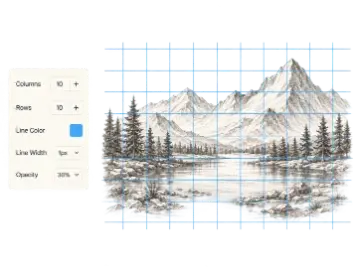
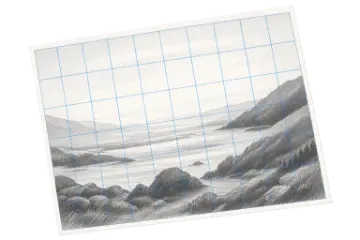
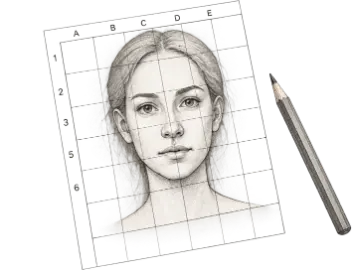
A grid drawing worksheet maker turns a chosen reference into a structured observation exercise. Students see the source divided into labeled cells and reproduce it on an empty grid with the same proportions. Placing both panels on one printable page reduces setup, keeps the assignment self-contained, and lets the teacher control difficulty through image choice and grid density. The goal is to practice measurement and observation rather than copy a finished drawing mechanically.
Choose a reference with a clear silhouette, readable internal shapes, and enough contrast for the printer. Younger or first-time students usually benefit from fewer, larger cells; more experienced classes can handle denser grids and subtler subjects. Write directions that specify whether students should begin with contour, value blocks, or one assigned cell. Coordinate labels help with demonstrations and collaborative activities because everyone can refer to the same location.
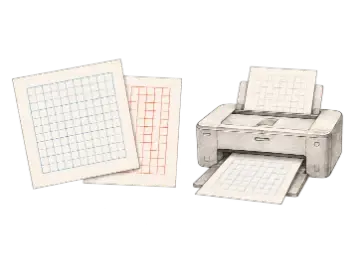
Art Grid Maker lays out the reference grid and blank drawing grid for US Letter or A4 landscape pages. Preview the title, instructions, margins, image contrast, and line weight before exporting. Print one test copy at actual size, then adjust if thin grid lines disappear or dark image areas use too much toner. Only use classroom references that you are allowed to reproduce and distribute, particularly when worksheets will be sold or shared publicly.
Adjust the reference, grid density, and expected finish together. Age bands are starting points; prior drawing experience and lesson time matter more than age alone.
3×3 or 4×4 · simple high-contrast object
Copy only the outer contour first, then add one or two large internal shapes.
5×5 or 6×6 · animal, still life, or bold portrait
Mark contour crossings and negative space before adding a limited value range.
8×8 to 12×12 · portrait, architecture, or complex crop
Block landmarks, compare proportions, then resolve edges and values without outlining every cell.
One labeled cell or small cell group per student
Scale each section consistently, agree on media and value range, then assemble in coordinate order.
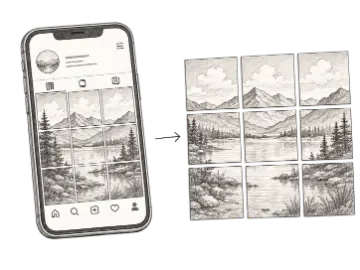
Place a gridded reference and equal blank grid on one classroom-ready page.
Match the number of cells to subject complexity, learner age, and lesson goals.
Give teachers and students a shared way to identify individual drawing cells.
Pro members can add an exercise title and concise instructions directly to the worksheet.
Include name and date space so printed work is easy to organize and assess.
Download a free worksheet PNG or use Pro for a 300 DPI landscape PDF.
Grid count is only one difficulty control; reference clarity, contrast, and expected rendering also matter.
| Option | Best for | Notes |
|---|---|---|
| 3×3 to 5×5 | Introductory | Large cells keep attention on silhouette and broad shape relationships. |
| 6×6 to 8×8 | Intermediate | Balances manageable cells with enough landmarks for varied subjects. |
| 9×9 to 12×12 | Advanced | Supports detailed references but requires accurate measuring and more class time. |
Use a clear subject with readable edges and a difficulty level that matches the class.
Choose paper size, grid density, and labels before checking the preview. Pro members can also customize the title and instructions.
Confirm line weight, margins, and image contrast on the classroom printer before producing a set.
Prepare a self-contained drawing activity with visible instructions.
Let students reproduce a reference while focusing on one cell at a time.
Assign different grid sections and assemble them into a larger class artwork.
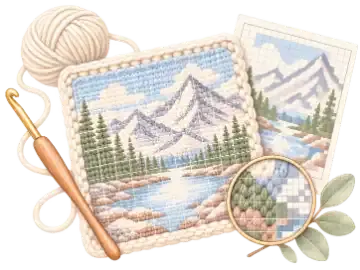
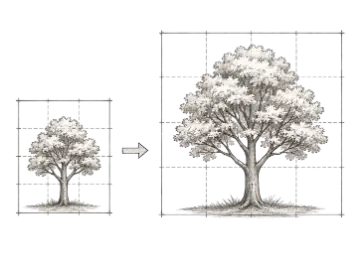
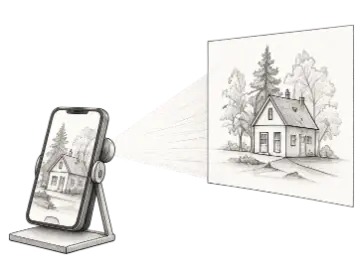
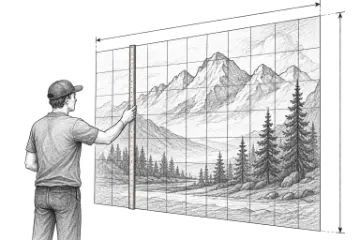
Create an adjustable drawing grid over any reference image for the grid method. Match the rows and columns on your paper or canvas, then transfer proportions one cell at a time.
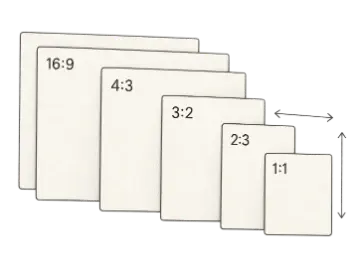
Generate printable grid paper for drawing, planning, and measured layouts. Choose the paper size, orientation, grid type, and spacing, then export a print-ready PDF or image.
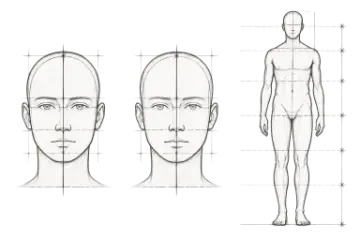
Create adjustable portrait and figure proportion guides for faces, full figures, and Loomis head construction. Add a reference photo and align the guides for drawing practice.
Create classroom worksheet. When you need the paid workflow, unlock 300 dpi print-ready pdf export.