
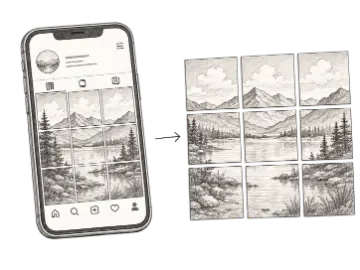
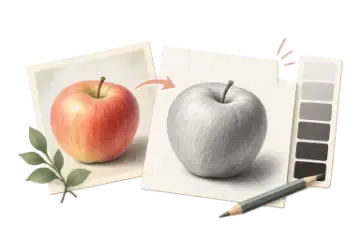
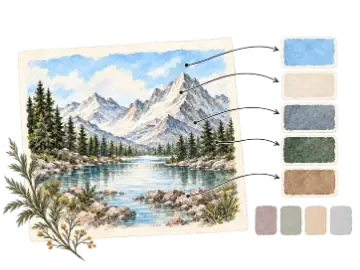
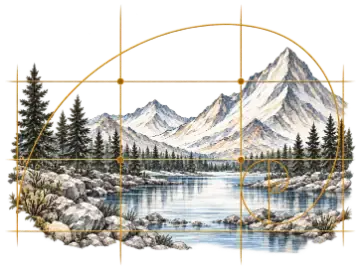



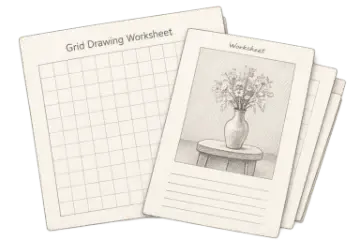

Composition thumbnail
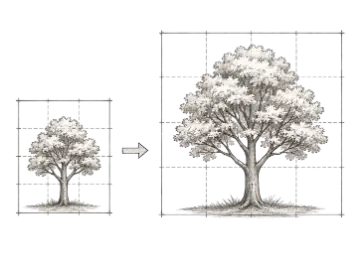
4×4 grid · labels off · thin lines · 25–35% opacity
Keeps attention on balance, focal placement, and large positive or negative shapes.
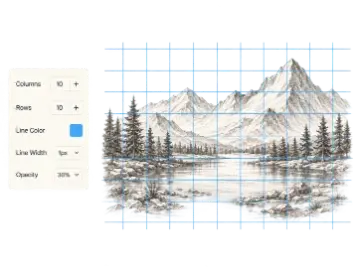
Create a custom grid with adjustable rows, columns, labels, line color, width, and opacity. Preview it instantly, then download it for drawing, layout, or print.
Build a clean blank grid before you begin a drawing, worksheet, layout study, or measured transfer. Rows, columns, line styling, opacity, and coordinate labels can be adjusted without uploading an image.
A grid generator is a browser-based utility that produces evenly spaced guides for a chosen row and column count. Instead of drawing every line by hand, you can choose a line color, stroke weight, opacity, and labels, then export the result as an image. Artists, designers, educators, and crafters use custom grids for drawing practice, layout divisions, coordinate activities, and planning. When a physical cell measurement matters, use the Printable Grid Paper tool, print its PDF at Actual Size, and verify one cell with a ruler.
Fine artists use custom grids for proportion and layout studies. Graphic designers use them to explore multi-column divisions, while teachers use labeled cells for math, science, and art activities. Quilters and crafters can sketch pattern divisions before committing to material. This blank-grid page is best when the number and appearance of divisions matter; use the image-overlay tools when the guides must be attached to a reference photo.
Everything renders client-side on an HTML canvas. Set rows and columns, choose a line color, tune opacity, and toggle coordinate labels when you need named cells. When the preview looks right, download a PNG or JPG; Pro export options add larger and transparent output where shown in the interface. Because the blank grid is generated locally, there is no image-upload or conversion queue.
Start from the job the grid needs to do. These combinations are starting points, not fixed presets; increase density only when the extra divisions provide useful landmarks.
4×4 grid · labels off · thin lines · 25–35% opacity
Keeps attention on balance, focal placement, and large positive or negative shapes.
8×10 grid · labels optional · medium-contrast lines
Adds enough landmarks for feature placement without turning the study into a cell-counting exercise.
10×10 grid · labels on · dark, readable lines
Gives a class or team shared cell names for instructions, plotting, and review.
Set any combination of rows and columns from 2×2 up to 50×50 for complete control over grid density.
Choose any line color with the built-in picker to match your paper, canvas, or digital background.
Fine-tune stroke thickness from hairline to bold so the grid is visible without overpowering the drawing.
Download the finished grid as PNG or JPG; Pro options add larger and transparent output where available.
Toggle alphanumeric cell labels (A1, B1 …) for easy reference when transferring a drawing cell by cell.
Slide opacity from 10 % to 100 % so the grid integrates cleanly with any underlying image or paper.
The best grid is the least dense grid that still gives you reliable landmarks.
| Option | Best for | Notes |
|---|---|---|
| 4–6 cells per side | Simple | Good for basic shapes, young learners, and quick composition studies. |
| 8–12 cells per side | Balanced | A practical starting range for portraits and general drawing transfer. |
| 16+ cells per side | Detailed | Useful when small features need closer positional control. |
Start with fewer cells for simple shapes and add rows or columns only when the subject needs more landmarks.
Choose a line color, width, and opacity that remain visible without competing with pencil or printed marks.
Download the finished grid and print or place it beneath your drawing workflow at the intended size.
Create repeatable square guides for proportion, contour, and observational drawing exercises.
Add coordinate labels so teachers and students can refer to the same cells.
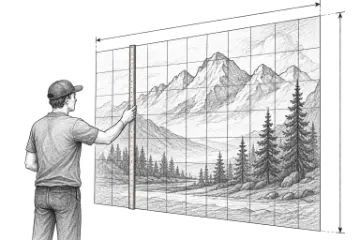
Use a lightweight grid to divide posters, murals, or craft surfaces before placing content.
Add a customizable grid overlay to any reference image for drawing, proportion checks, and composition planning. Adjust the image and grid, then export the finished reference.
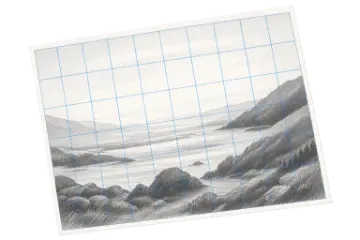
Create an adjustable drawing grid over any reference image for the grid method. Match the rows and columns on your paper or canvas, then transfer proportions one cell at a time.
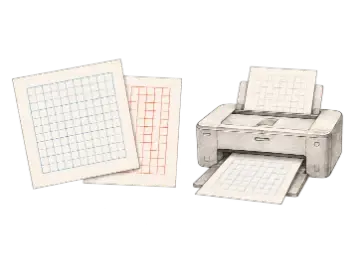
Generate printable grid paper for drawing, planning, and measured layouts. Choose the paper size, orientation, grid type, and spacing, then export a print-ready PDF or image.
Start with a blank grid. When you need the paid workflow, unlock 4k and transparent png export.