


Canvas selection
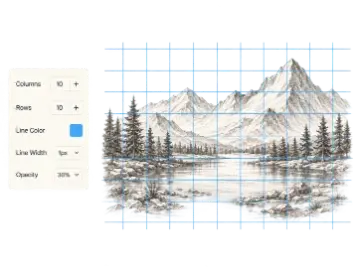
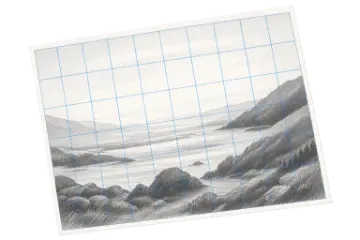
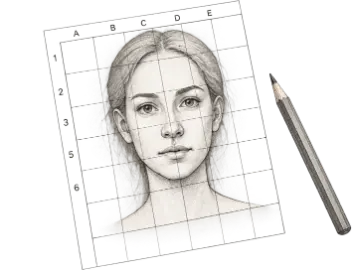
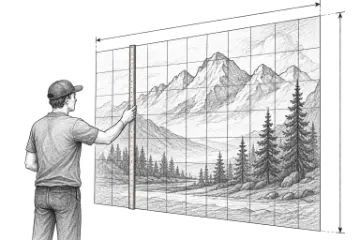
Compare a reference image with a painting surface before cropping or adding borders.
Calculate and simplify any aspect ratio, then resize width or height without stretching. Compare common formats for images, video, artwork, print, and canvas planning.
Use the Aspect Ratio Calculator to reduce width and height to a clear ratio, compare the decimal shape, and derive a new dimension without stretching the original artwork or photograph.
An aspect ratio calculator describes the proportional relationship between width and height. A 1920×1080 image simplifies to 16:9, while an 8×10 canvas simplifies to 4:5. Because the calculation compares two dimensions, the same ratio can describe pixels, inches, centimeters, or any other shared unit. Artists use the result to compare references with canvases; designers and photographers use it to resize media without changing its shape.
The calculator first normalizes decimal measurements to whole-number values, finds their greatest common divisor, and divides both sides by it. This means a US Letter measurement such as 8.5×11 simplifies correctly to 17:22. Matching ratios describe the same rectangle shape even when overall sizes differ. When ratios do not match, filling the target requires cropping, padding, or distortion.
Aspect ratio tells you shape, not image quality. Two files can both be 3:2 while containing very different pixel counts, and a 4:5 print can be physically small or large. After choosing the right shape, confirm that the source has enough resolution for the intended screen or print output. Art Grid Maker includes common composition, camera, paper, and social presets as shortcuts, but the custom width and height fields work with any format.
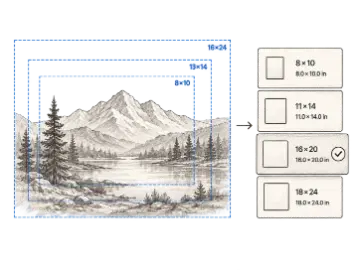
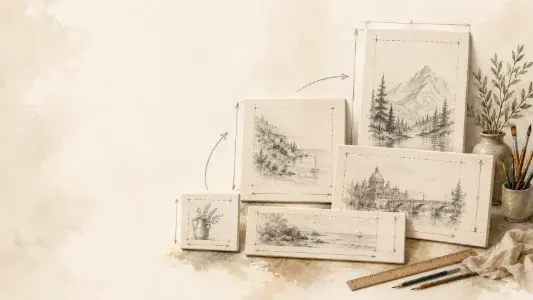
This example shows how one ratio can describe both a digital source and a correctly shaped physical canvas.
2400:3000 ÷ 600 = 4:5 · 16 × 5 ÷ 4 = 20
Use a 16 × 20 in canvas for the same shape.
The result preserves the rectangle's proportions, so the composition can scale without stretching. It does not prove that the source has enough pixels for a sharp 16 × 20 inch print; check resolution separately.
Reduce any width and height pair to its smallest whole-number relationship.
View the width-to-height decimal for quick comparisons between close but unequal formats.
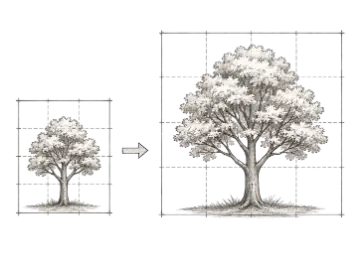
Change one target dimension and calculate the other while preserving the original aspect ratio.
Identify whether the entered dimensions form a landscape, portrait, or square composition.
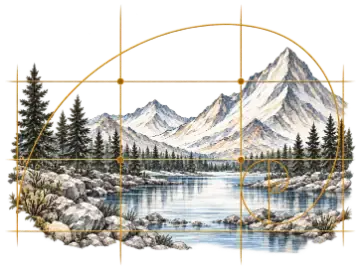
Start from familiar photo, video, paper, social, and golden-ratio proportions.
Use pixels, inches, centimeters, or another shared unit because the ratio depends only on proportion.
These ratios describe shape only; they do not specify resolution or print quality.
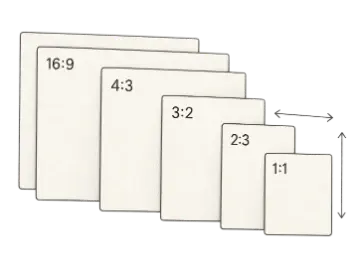
| Option | Best for | Notes |
|---|---|---|
| 1:1 | Square | Equal width and height. |
| 4:5 | Portrait | Common for portrait artwork and social images. |
| 3:2 | Photo | Common in cameras and photographic prints. |
| 16:9 | Wide | Common for widescreen video and presentation canvases. |
Use pixels, inches, centimeters, or any shared unit; the ratio depends on proportion, not the unit label.
Use the reduced width-to-height pair to compare formats and identify landscape, portrait, or square orientation.
Enter one target dimension and let the calculator derive the other to preserve the same framing.
Compare a reference image with a painting surface before cropping or adding borders.
Resize artwork for presentations or social formats without distorting it.
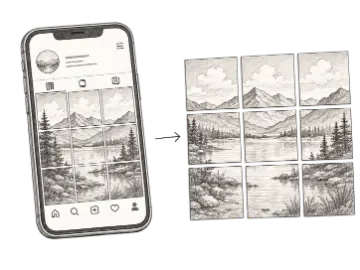
Confirm that reference and target surfaces share a ratio before drawing matching grids.
Upload a reference or enter its dimensions to find the best standard canvas size. Compare imperial and metric options, then preview the actual edges removed by a centered crop.
Use this proportion calculator to scale a drawing from a reference to a canvas, paper, or wall without distortion. Compare scale factors and matching grid-cell measurements.
Add a customizable grid overlay to any reference image for drawing, proportion checks, and composition planning. Adjust the image and grid, then export the finished reference.
Compute your first ratio. When you need the paid workflow, unlock the a4 pdf summary.