Art Grid Maker Pro for Artists
Every tool keeps a free core workflow. Pro adds higher-resolution output, print-ready downloads, and advanced studio controls where each tool supports them.
Engineered for Precision & Craft
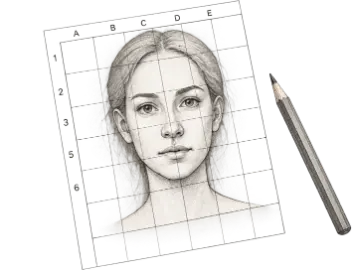
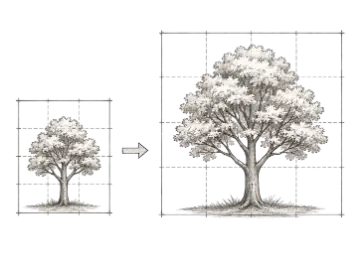
Everything an illustrator, painter, muralist, or art educator needs to transfer reference art with flawless accuracy.
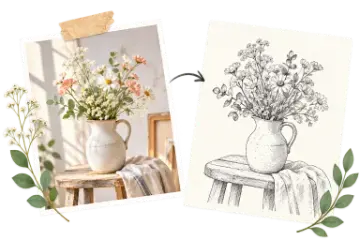
Transparent PNG Overlays
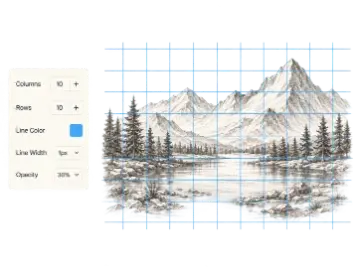
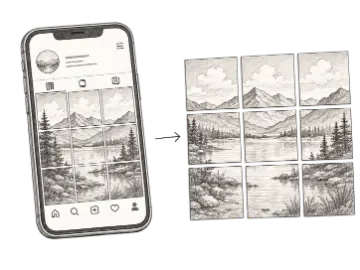
Export pure grid lines with no background. Drop them directly as a top layer into Procreate, Photoshop, or Clip Studio Paint to draw underneath.
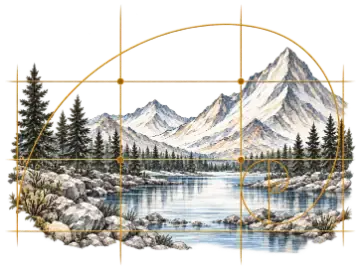
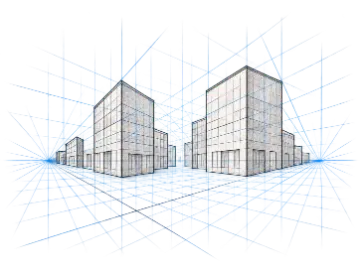
Pro Composition Guides
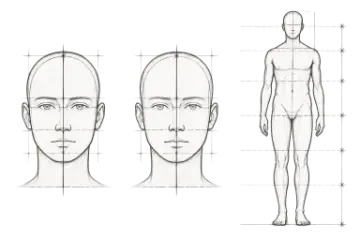
Diagonal triangulation corner-to-corner X guides, Rule of Thirds, and Golden Ratio spiral lines to balance framing and anatomical accuracy.
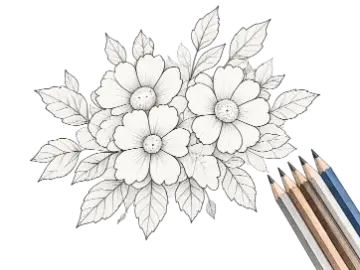
300 DPI Print PDFs
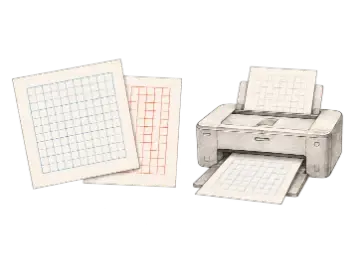
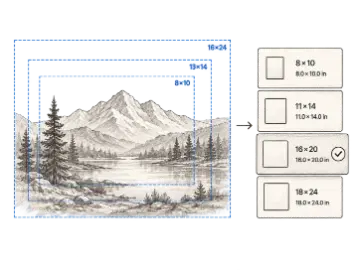
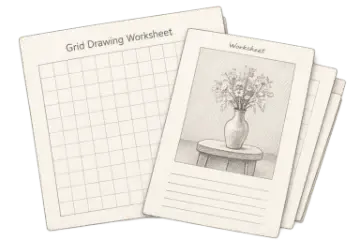
Generate crisp vector-like multi-page PDFs: student classroom worksheets, paint-by-number keys, mural blueprints, and canvas buying sheets.
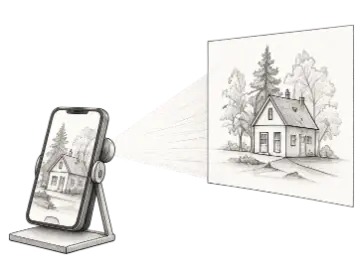
Art Projector Lightbox
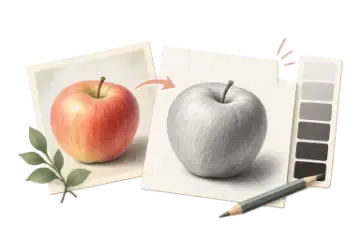
Screen Wake Lock API keeps your iPad or tablet awake indefinitely while tracing. Mirror horizontally, invert colors, or isolate tonal values in grayscale.
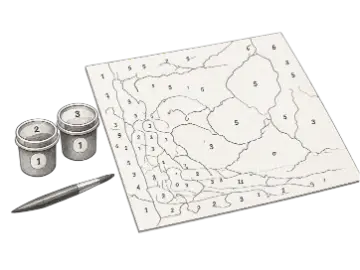
Paint by Number Kits
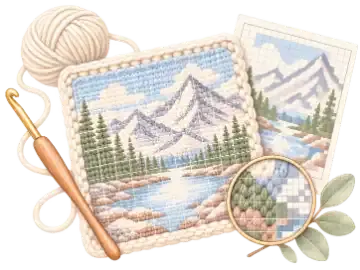
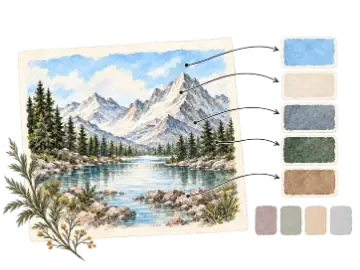
K-Means color quantization algorithm transforms any photo into paintable numbered regions with an exact RGB and Hex paint swatch key.
Unlimited Cloud Presets
Save your favorite grid density, colors, and line setups and sync them seamlessly across all your desktops, iPads, and mobile devices.
Compare Free vs. Pro
Start with all standard tools for free, or upgrade to Pro for advanced artist studio capabilities.
| Capability | Free | Pro Studio |
|---|---|---|
| Standard Grid Generator (rows/cols/color/opacity)Unlimited use in browser | ||
| Client-Side Privacy (zero photo uploads)100% private on your device | ||
| Standard PNG & JPG Export (HD 1x)Great for screens | ||
| Saved Grid PresetsSyncs across all devices | 3 presets | Unlimited (∞) |
| Diagonal Triangulation Guides (X-Lines)Cross corners for accuracy | ||
| Composition Overlays (Rule of Thirds & Golden Ratio)Classical proportion lines | ||
| 4K Ultra-HD & 2K Resolution ExportsUp to 4096px print-ready files | ||
| Transparent PNG Grid OverlaysOverlay layers for Procreate & Photoshop | ||
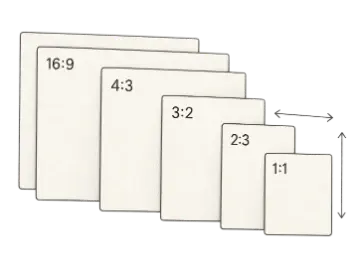
| Print-Ready 300 DPI PDF ExportsA4, Letter, A3, Legal, Tabloid | ||
| Art Projector Lightbox (Screen Wake Lock)Never dims while tracing | Basic | Pro Filters (Flip/Invert/Grayscale) |
| Classroom Grid Drawing Worksheet GeneratorSide-by-side student handouts | Standard PNG | 300 DPI PDF + Custom Branding |
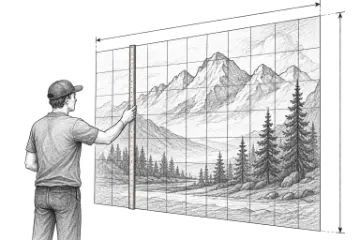
| Mural Scaling & Chalk-Line BlueprintsExact plumb/chalk offsets & paint estimator | Calculator | Printable PDF Installation Plan |
| Paint by Number 3-Page Printable KitsNumbered regions & swatch codes | Preview | Full 3-Page PDF Kit (Canvas + Key + Ref) |
Frequently Asked Questions
Everything you need to know about Art Grid Maker Pro and the 14-day trial