
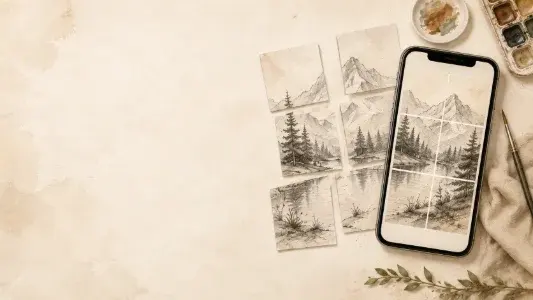
Artwork reveals
Spread a finished illustration or painting across multiple profile tiles.
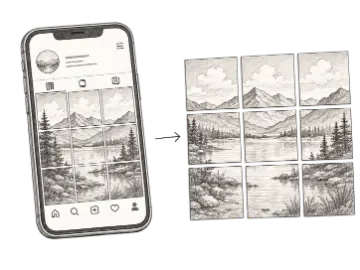
Turn one image into an Instagram grid with correctly cropped post tiles, a live feed preview, and clear posting order. Choose a layout and download every tile in one ZIP.
The Instagram Grid Maker splits one image into 1:1, 4:5, or 3:4 profile tiles in your browser, previews the assembled grid, and packages clearly labeled files into a ZIP for publishing.
An Instagram grid maker divides one wide or tall composition into multiple posts that reconnect across a profile grid. Artists use the format for portfolio reveals, exhibitions, campaign launches, and panoramic work that needs more room than a single tile. Choose square, 4:5, or 3:4 output, keep important details away from seams, and inspect how each crop works as an individual post as well as part of the larger mosaic.
Choose a layout that supports the composition rather than forcing every image into 3×3. A 1×3 strip works for a short panoramic reveal, while 2×3 and 3×3 layouts create a larger visual block. Preview the crop and inspect individual tiles because followers may encounter each post separately. Keep faces, text, and focal details away from boundaries, and allow enough source resolution for each 1080-pixel-wide export.
Art Grid Maker processes the source image locally and creates the tiles without uploading the photo. For a traditional consecutive upload, the labels start at the visual bottom-right and finish at the top-left. Instagram also changes profile presentation and may offer a Reorder grid control, so treat the filenames as chronological guidance rather than a permanent platform requirement. Verify the current profile preview before publishing a long sequence.
Instagram changes profile presentation and publishing controls independently of this splitter. Review the final tiles in the current app before committing to a multi-post sequence.
Reviewed 2026-08-31
This review describes the tool output and publicly announced Instagram behavior as of the date shown; it is not a guarantee that every account, region, or app build exposes the same controls.
Choose free 3×3, 1×3, 3×1, 2×3, or 3×2 arrangements for different compositions.
Build larger 4×3 and 5×3 profile takeovers when a campaign needs more tiles.
Inspect the assembled Instagram grid and individual crops before exporting any files.
Export square 1080×1080, 4:5 1080×1350, or 3:4 1080×1440 posts.
Use visible sequence numbers for a traditional consecutive upload, or arrange posts with Instagram's Reorder grid when available.
Receive all tiles together with chronological filename hints and a publishing guide.
Crop and split the source in the browser without sending the original image to Art Grid Maker.
Select the smallest layout that gives the composition enough room and that you can publish without interrupting the sequence.
| Option | Best for | Notes |
|---|---|---|
| 1×3 or 3×1 | Short sequence | Useful for panoramas, triptychs, and compact announcements. |
| 2×3 or 3×2 | Medium reveal | Adds visual area without requiring a full nine-post campaign. |
| 3×3 | Nine-tile grid | A familiar square takeover for artwork, launches, and portfolio features. |
| 4×3 or 5×3 | Extended grid | Best for planned Pro campaigns with enough content and publishing time. |
Use a high-resolution composition with important details away from the tile seams.
Preview the supported row and column arrangement and reposition the crop if necessary.
Follow the numbered chronological sequence or use Reorder grid when available, then verify the live profile before finishing.
Spread a finished illustration or painting across multiple profile tiles.
Create a coordinated visual block for an exhibition, release, or event.
Plan connected tiles while checking how each crop looks on its own.
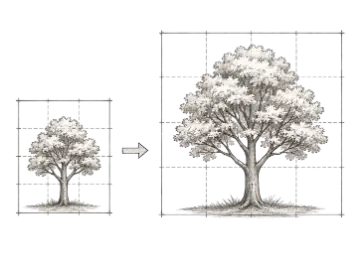
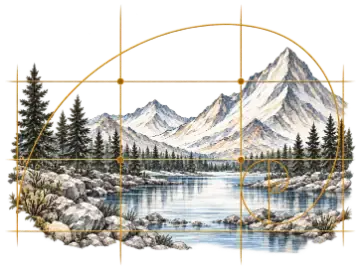
Add a customizable grid overlay to any reference image for drawing, proportion checks, and composition planning. Adjust the image and grid, then export the finished reference.
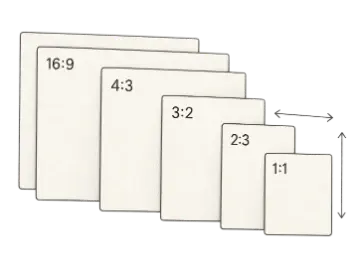
Calculate and simplify any aspect ratio, then resize width or height without stretching. Compare common formats for images, video, artwork, print, and canvas planning.
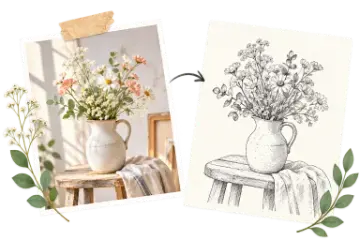
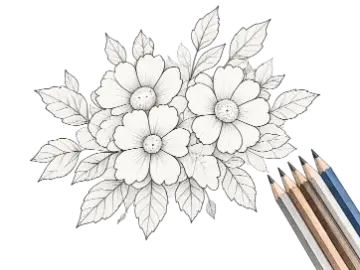
Turn a photo into a printable coloring page with adjustable line detail, smoothing, and thickness. Compare the original and line art, then download the finished page.
Drop an image, pick a layout, download the ZIP. When you need the paid workflow, unlock 4x3 and 5x3 layouts.