
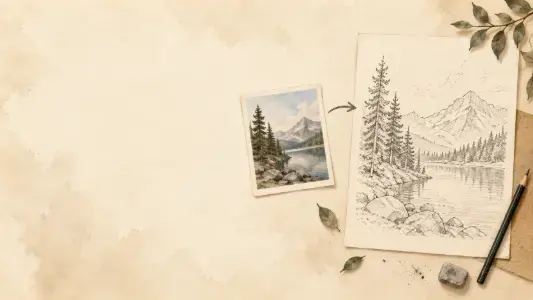
Simplify strong outer edges
Detail 1–2 · Threshold 35–50 · High smoothing · Thin lines
Favors stronger boundaries while suppressing much of the photographic texture.
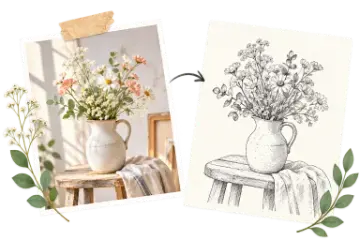
Use this photo to line drawing tool to turn a reference image into a clean outline in your browser. Adjust detail, threshold, smoothing, and line thickness, then download the result or open it in Drawing Grid.
Private image processing Your reference stays in this browser
Use this photo to line drawing tool to reduce a reference image to its most useful edges. Adjust the amount of detail, edge threshold, smoothing, and line thickness, then download a clean outline or pass it into Drawing Grid.
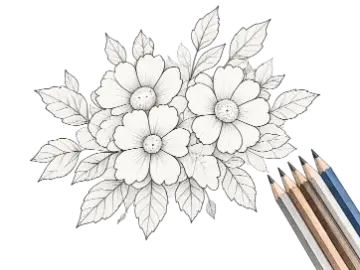
A photo to line drawing tool detects changes in brightness and renders stronger edges as a simple black-and-white outline. As a line drawing generator and image to line art workflow, it can reveal edges that often describe parts of a silhouette or important internal features, but the tool does not understand which pixels belong to an object. Use the result as a study aid rather than assuming every detected edge is a literal boundary.
Use Detail to decide how many smaller edges may remain, then use Threshold to remove weaker texture. Smoothing reduces small brightness changes before edge detection, while Line Thickness makes the surviving marks easier to read at the size you plan to draw or print. A lower-detail pass is often the better starting point for a busy photograph.
Clear lighting, a readable silhouette, and a subject separated from its background usually produce the most useful outlines. Compare the original and line drawing before exporting, then add a grid if you need to transfer the simplified reference cell by cell. Processing stays local in the browser, but you still need permission to use the source image.
Choose the simplest output that still answers the drawing question you have about the reference.
Detail 1–2 · Threshold 35–50 · High smoothing · Thin lines
Favors stronger boundaries while suppressing much of the photographic texture.
Detail 3 · Threshold 20–35 · Medium smoothing · Medium lines
Balances major contours with enough internal structure for a first transfer pass.
Detail 4–5 · Threshold 10–25 · Low smoothing · Thin lines
Retains smaller edges, with extra cleanup likely in hair, fabric, foliage, or noise.
Find the edges worth drawing
Convert a reference image into a simple black-and-white line drawing in your browser.
Favor stronger brightness edges or retain more internal changes with the Detail and Threshold controls.
Reduce texture with smoothing and make the surviving lines easier to read with thickness.
View the source beside the generated line drawing before deciding whether the result is useful.
Decode and process the image locally without sending the reference to a server.
Download the outline as PNG or continue directly in the Drawing Grid tool.
Tune one visual problem at a time: remove weak texture with Threshold, reduce noise with Smoothing, and only then add more Detail if the subject needs it.
| Option | Best for | Notes |
|---|---|---|
| Detail 1–2 | Stronger edges | Suppresses more weak texture for simple objects and a first construction pass. |
| Detail 3 | Balanced study | A practical starting point for portraits, still life, and general references. |
| Detail 4–5 | More internal edges | Useful when smaller features matter, but more background texture may appear. |
| Higher threshold | Fewer weak lines | Removes subtle texture and low-contrast marks from the output. |
Choose a clear JPG, PNG, GIF, or WebP image. The source is prepared locally in your browser.
Start with medium Detail and Smoothing, then raise Threshold when background texture creates too many marks.
Download the PNG when the outline supports your study, or open it in Drawing Grid for a cell-by-cell transfer.
Inspect strong outer and internal brightness edges before committing to detailed drawing.
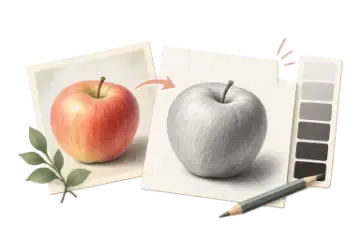
Reduce photographic color and texture when you need a simpler construction guide.
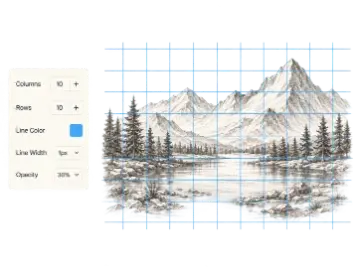
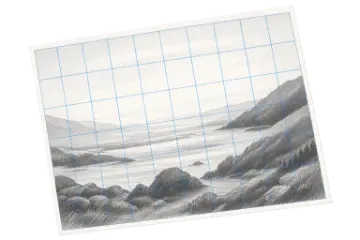
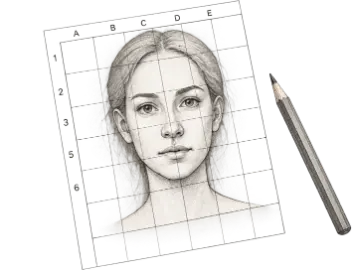
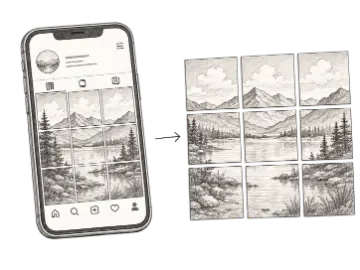
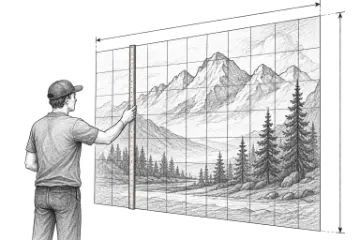
Combine a simplified outline with Drawing Grid to make major landmarks easier to place.
Community feedback approved for public display.
No ratings recorded yet
It detects changes in brightness across a photo and renders the strongest boundaries as a simple black-and-white line drawing. The result is a starting reference, not a guarantee of a finished hand-drawn sketch.
Start with a clear subject and even lighting. Raise Threshold to remove weak texture, increase Smoothing to reduce noise, and lower Detail when the image contains too many small edges.
Detail controls how readily smaller brightness changes become lines. Lower settings favor stronger edges and suppress more texture, while higher settings retain more internal edges.
Yes. Turn on White lines on black to invert the generated line drawing for dark paper, projection, or alternate reference studies.
No. The image is decoded and processed locally in your browser. It is not uploaded to Art Grid Maker for line drawing conversion.
Yes. Use Open in Drawing Grid to pass the generated PNG to the drawing-grid workflow, or download it and upload it later as a reference.