
About Art Grid Maker
Learn how Art Grid Maker builds useful, private, browser-based grid, proportion, scaling, and print tools for artists.

Founded and directed by ShawnHacks · Director · Founded August 2025 · GitHub · Last reviewed September 4, 2026
What We Build
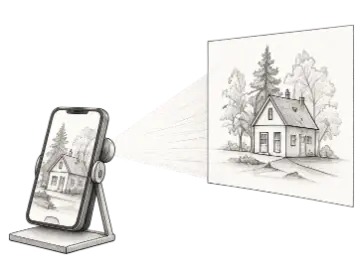
Art Grid Maker helps artists move from reference image to drawing surface with less setup and less guesswork. We build focused grid, proportion, scaling, and print tools that work directly in the browser.
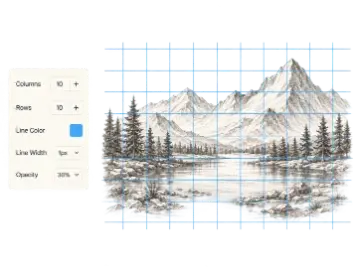
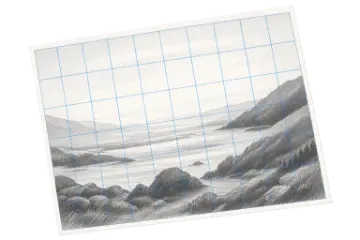
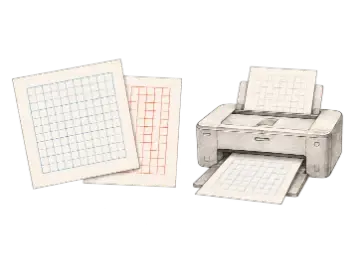
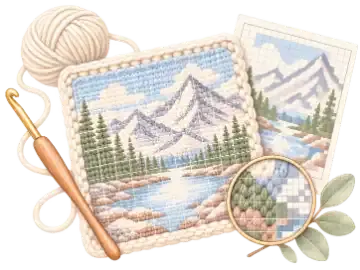
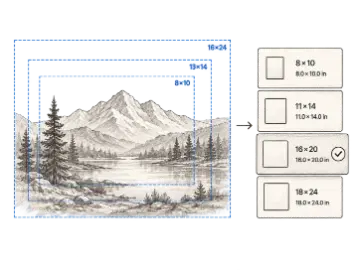
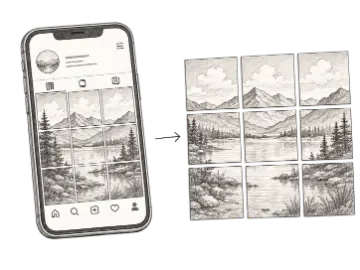
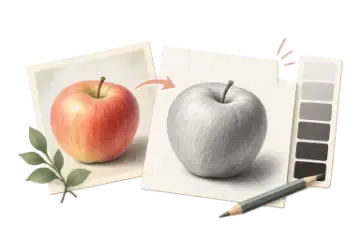
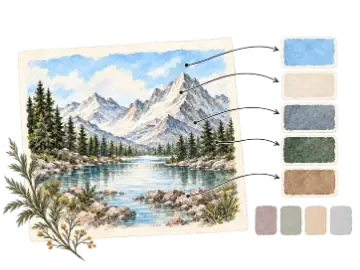
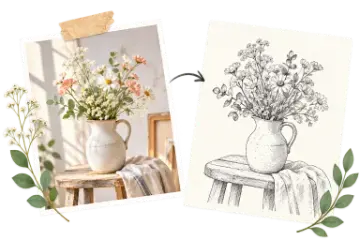
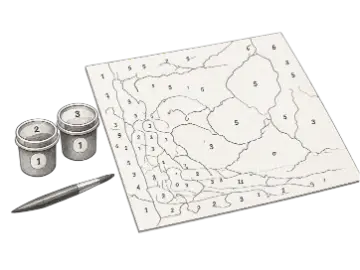
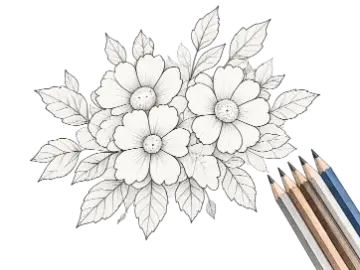
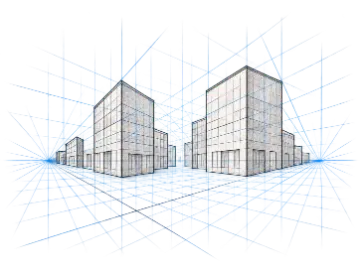
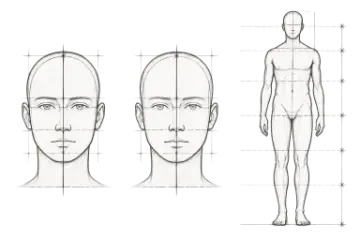
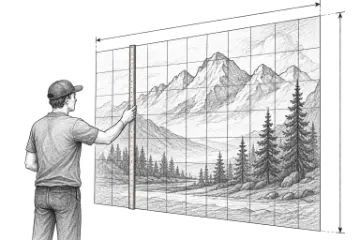
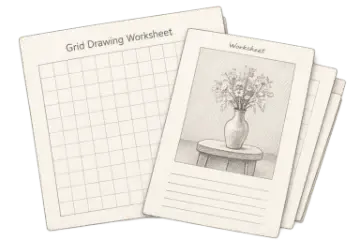
The toolkit covers practical jobs rather than one broad editor. You can add a grid to a reference image, make printable grid paper, calculate a scale change, plan a mural, compare canvas sizes, build a perspective guide, prepare a classroom worksheet, split an Instagram image, or turn a photo into a paint-by-number, coloring, or crochet chart. Each tool has its own controls, examples, and export workflow.
Who It Is For
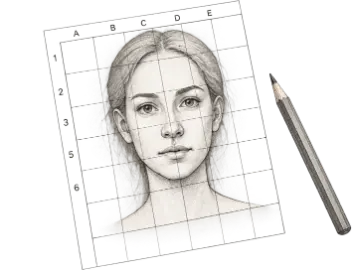
We design for people who need a clear visual reference: artists transferring a sketch to paper or canvas, muralists enlarging a composition, art teachers preparing exercises, photographers and creators planning crops, and fiber artists converting images into stitch grids. Beginners should be able to start with sensible defaults, while experienced users can adjust measurements, line treatment, color, and output settings.
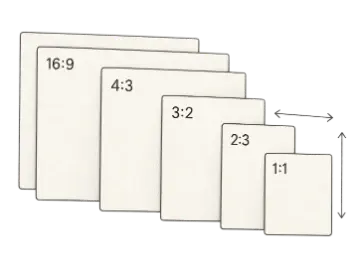
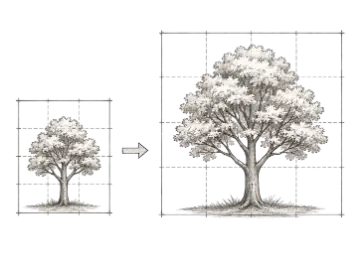
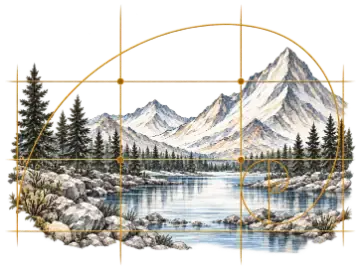
The grid method is useful because it turns one large composition into smaller comparisons. It does not replace observation or drawing practice. Our guidance therefore emphasizes using the least dense grid that still provides dependable landmarks, preserving the same aspect ratio on the reference and target, and checking the final output at its intended print or display size.
How the Browser Tools Work
Reference images selected in the image-based tools are decoded and processed by browser APIs on your device. They are not uploaded to Art Grid Maker servers as part of the normal grid, tracing, conversion, or export workflow. This keeps the core tools responsive and lets you work with personal references without creating a server copy.
Account features have a separate boundary. If you sign in and choose to save a preset, the service stores the account and preset data needed to provide that feature. Billing is handled through Stripe. The Privacy Policy explains these data boundaries in more detail.
Downloads are generated from the current tool state. The available format and resolution depend on the tool and plan. Free workflows remain usable without registration; Pro adds capabilities such as higher-resolution or transparent output, print-ready PDFs, advanced guides, and additional saved presets where the tool supports them. The Pricing Page is the source of truth for current plan terms.
How We Write and Review Guidance
Tool pages are maintained by Art Grid Maker and are written around the controls that are actually available in the product. Worked examples, reference tables, recipes, and FAQs are reviewed when the related landing content changes. Each tool page displays its review date so readers can judge freshness.
We separate measured facts from starting points. A scale calculation can be exact when its inputs are exact; a suggested grid density, line opacity, or color count is a practical baseline that may need adjustment for the subject, medium, printer, display, or classroom. Where a page discusses changing software or platform behavior, it should include a review date and avoid promising an outcome the tool cannot control.
If you find a mismatch between a page and the current tool, include the page URL, the setting you used, and the result you expected when you contact support. That evidence helps us reproduce and correct the issue.
Core Commitments
- Useful before clever: Each tool should solve a real studio or classroom task without a long setup process.
- Private image processing: Reference images are processed locally in your browser and are not uploaded to our servers.
- Fast, durable pages: Tool guidance and learning content are rendered as regular web content, while interactive code is loaded only where it is needed.
- Clear pricing: Free tools remain useful, and paid features, trial terms, and refund terms are stated before checkout.
Official Channels
- GitHub for the public project presence.
- YouTube for Art Grid Maker videos.
- support@artgridmaker.com for product, accessibility, and billing support.
Get in Touch
Have a tool request, accessibility issue, or billing question? Visit our Contact Page or email support@artgridmaker.com.